
Ask an AI about this page
 ChatGPT
 Claude
 Perplexity
 Google AI Mode
 Microsoft Copilot
 Grok
Grok Mistral Le Chat
What Power BI is and which licence you need
Updated For Microsoft 365

Power BI turns your spreadsheets and business data into charts and dashboards. You build reports in Power BI Desktop, which is free, and share them through the Power BI service at app.powerbi.com. Building a report for yourself costs nothing. Sharing it with colleagues needs a Power BI Pro licence for you and for everyone who views it.
The two parts of Power BI
Section titled “The two parts of Power BI”Power BI comes in two parts, and most people use both:
- Power BI Desktop is a free Windows app. You connect it to your data, such as an Excel file, and build the report on your own computer. Reports are saved as
.pbixfiles. See build your first report. - The Power BI service is the website at app.powerbi.com. You publish reports from Desktop to the service so you and others can open them in a browser or on the Power BI phone app. See publish and share a report.
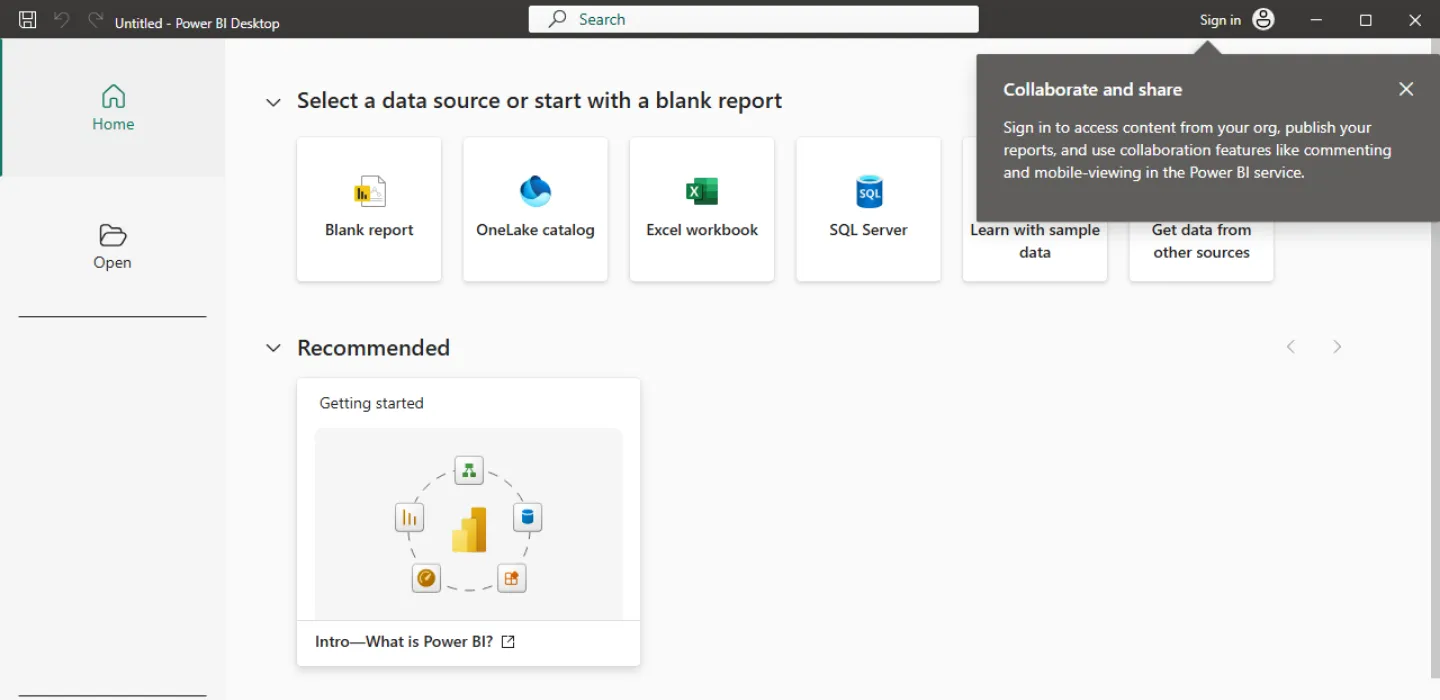
Power BI Desktop runs on Windows 10 or later. Microsoft asks for at least 2 GB of memory (4 GB or more recommended) and a screen of at least 1440 x 900.
The three licences
Section titled “The three licences”Every person who signs in to the Power BI service has one of three licences. Microsoft calls them:
- Fabric (Free): you can create reports and dashboards in My workspace for your own use. You cannot share them, publish to other people’s workspaces, or open reports others share with you. The first time someone signs in to the service, Microsoft asks them to sign up for this free licence, unless your admin has turned self sign-up off.
- Power BI Pro: everything in Free, plus publishing to shared workspaces, sharing reports and dashboards, and viewing what other Pro users share with you.
- Premium Per User (PPU): everything in Pro, plus most of the features of Premium capacity. Everyone who works in a PPU workspace needs a PPU licence too.
Who needs Power BI Pro
Section titled “Who needs Power BI Pro”As a rule, anyone who shares reports or looks at reports someone else shared needs Pro. In a small business that usually means:
- The person who builds and shares reports, for example your finance or sales manager.
- Everyone who opens those reports, for example directors who check the monthly sales dashboard.
Staff who only build reports for themselves can stay on the free licence. The exception is a workspace on Premium capacity or on Fabric capacity F64 or larger: there, people with a free licence and the Viewer role can open shared content. These capacities are aimed at large organisations, so most SMEs buy Pro for everyone who views reports.
Do you need Microsoft 365?
Section titled “Do you need Microsoft 365?”You do not need a particular Microsoft 365 plan to use Power BI. You do need a work or school account, which is the email address your company signs in to Microsoft 365 with. Microsoft does not accept consumer addresses such as Gmail or Hotmail.
Microsoft 365 E5 and Office 365 E5 already include a Power BI Pro licence for each user. On other plans, Pro is a separate licence that your admin assigns to each person. See assign a Power BI Pro licence.
Buying Power BI Pro
Section titled “Buying Power BI Pro”Office Niaga can supply Power BI Pro licences for your company’s Microsoft 365 account. WhatsApp us with the number of users who need it and we will quote you. Once the licences are in your account, your admin assigns them in the Microsoft 365 admin centre.
Microsoft sets out the licence types in Power BI service features by licence type and licences for business users.
Still stuck
Section titled “Still stuck”WhatsApp our support team at +60 16-916 3324.
Common issues
Can I use Power BI with my Gmail or Hotmail address?
No. Microsoft only accepts a work or school account for the Power BI service. Consumer addresses such as Gmail or Hotmail are refused. Sign in with your company's Microsoft 365 email.
Does our Microsoft 365 plan already include Power BI Pro?
Microsoft 365 E5 and Office 365 E5 include a Power BI Pro licence for each user. For other plans, ask Office Niaga to check your subscription before you buy anything.
Do my colleagues need Pro just to look at my report?
Yes, in most cases. Microsoft says people you share with also need a Pro or Premium Per User licence, unless the report is in a workspace on Premium capacity or on Fabric capacity F64 or larger.
Was this article helpful?
Thanks for your feedback.
Sorry this didn't help. WhatsApp us and we'll sort it out with you.