
Use the Gemini app with your work account
Updated For Google Workspace

The Gemini app is Google’s AI chat assistant at gemini.google.com, also available as a mobile app. With your work email it is a core Google Workspace service on all Business and Enterprise plans, covered by your company’s agreement with Google.
Sign in with your work account
Section titled “Sign in with your work account”You need to be 18 or over to use the Gemini app with a work account.
-
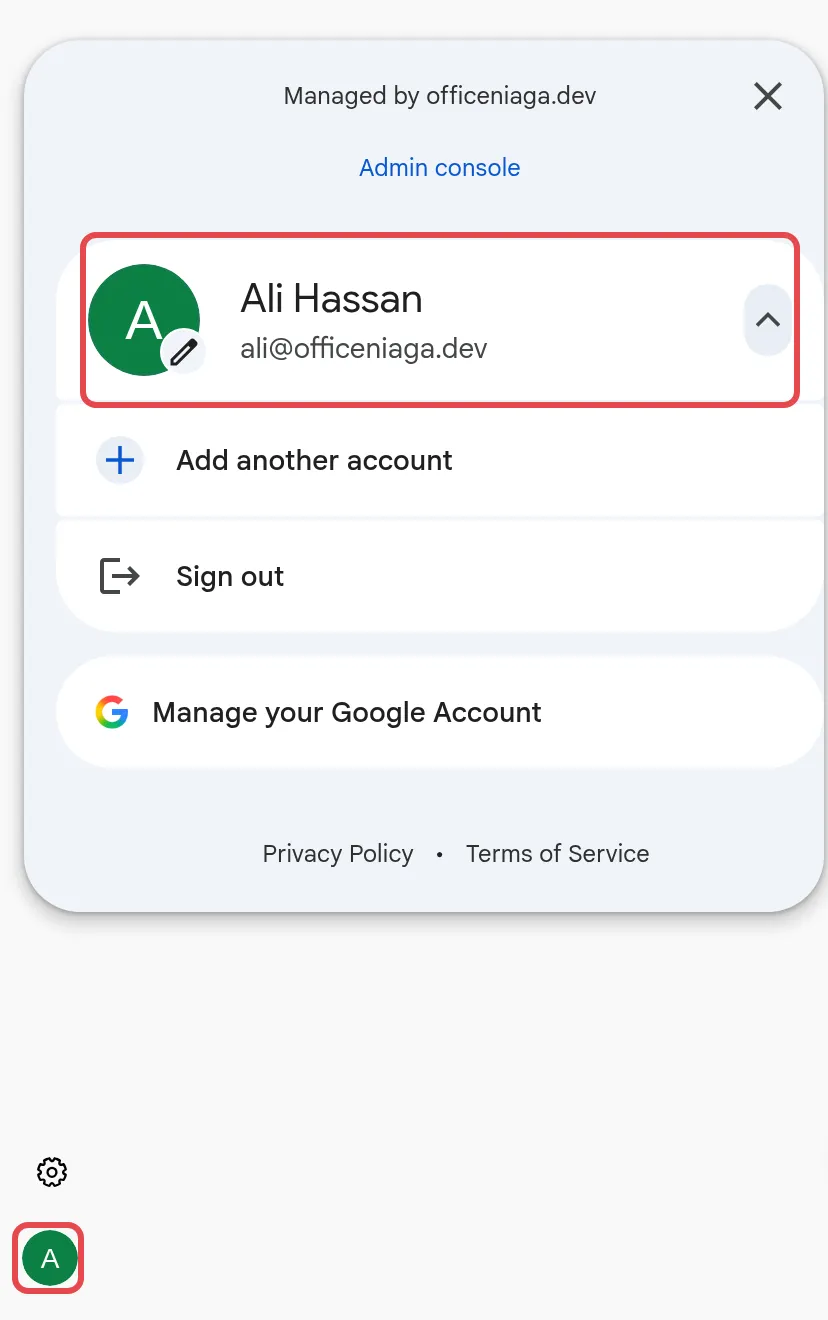
Go to gemini.google.com. On your first visit you see a landing page; click Chat with Gemini and sign in with your work email. If you are already signed in with another account, click your profile picture at the bottom left and switch to your work account.
-
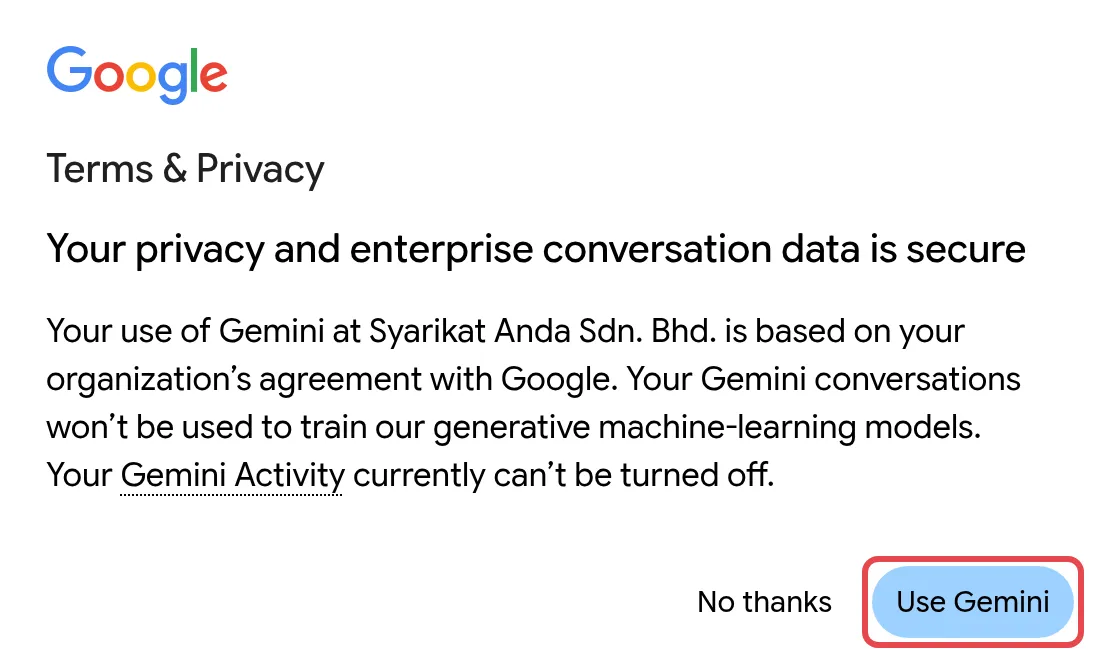
The first time, Google shows a Terms & Privacy box headed Your privacy and enterprise conversation data is secure. It says your use is based on your organisation’s agreement with Google, that your conversations will not be used to train Google’s models, and that your Gemini Activity can’t be turned off for work accounts.
-
Click Use Gemini to continue (not No thanks).
-
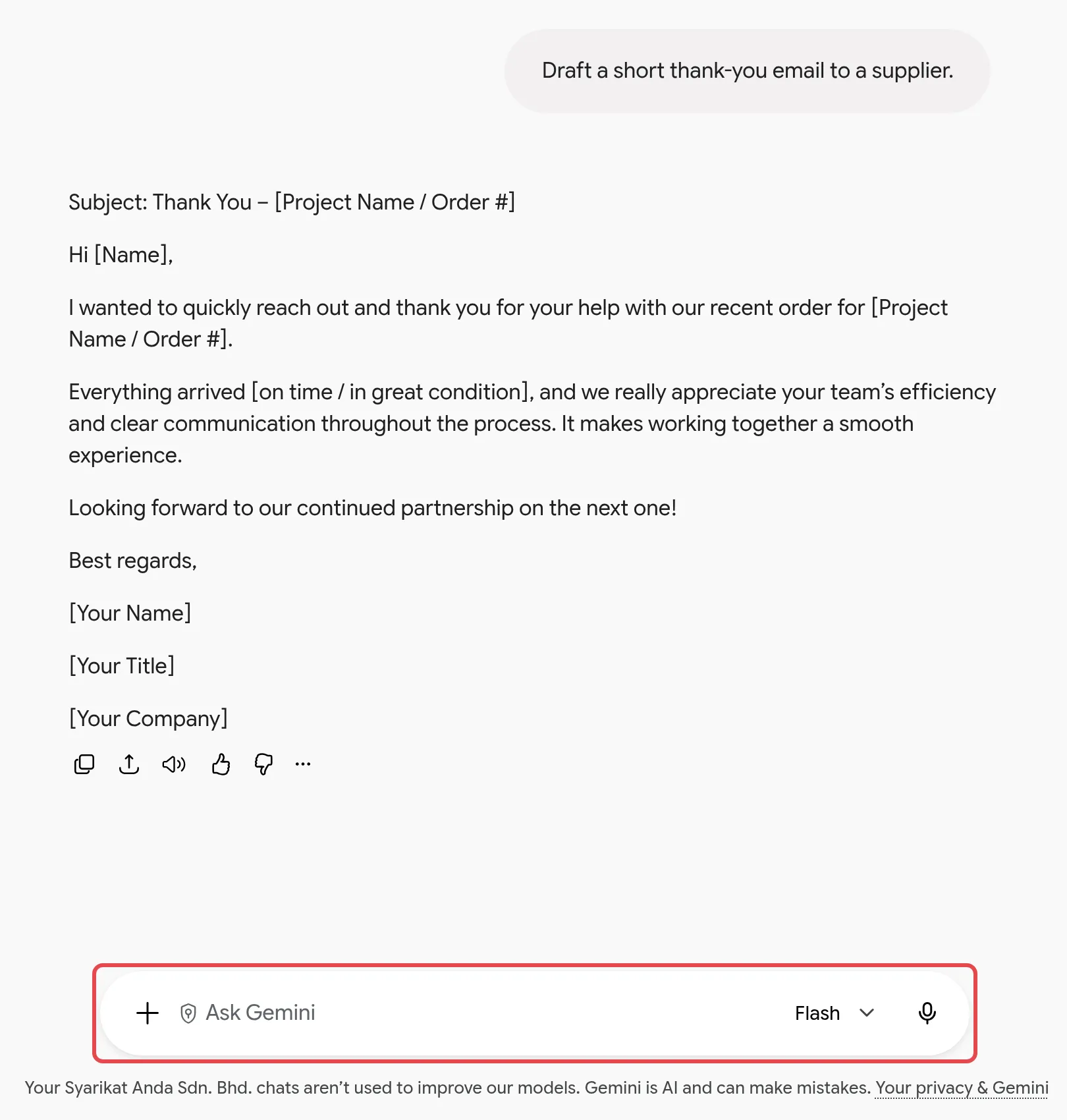
Type your question at the bottom and press Enter. A safe first try: “Draft a short thank-you email to a supplier.”
How the work version differs from personal Gemini
Section titled “How the work version differs from personal Gemini”Your work account and a personal Gmail account can both open Gemini, but they are handled differently:
| Work account (Business or Enterprise plan) | Personal Google account | |
|---|---|---|
| Terms | Your company’s Google Workspace agreement | Google Terms of Service and Gemini Apps Privacy Notice |
| Human review & model training | Chats and uploaded files are not reviewed by humans or used to improve AI models | Chats may be reviewed by humans and used to improve Google’s products |
| Chat history | Kept for 18 months by default; your admin can change this or turn it off | You control it |
| Who controls access | Your company admin | You |
Use your work account for anything to do with your job, and never paste company data into a personal account.
Connect Gmail, Drive & Calendar
Section titled “Connect Gmail, Drive & Calendar”With your admin’s permission, Gemini can look up your own email, files and calendar. Try prompts such as “Summarise my emails from the finance team this week” or “Find the latest quotation in my Drive.” Gemini only sees what your account can already open. Your admin controls this under Apps > Workspace apps in the Admin console.
What you get on each plan
Section titled “What you get on each plan”Every Business plan gets the Gemini app with enterprise-grade data protection. Access to the stronger models, and how much you can use them each day, depends on your plan, and Google changes it from time to time. Business Standard, Business Plus and Enterprise plans get higher limits and a larger context window, so Gemini can read longer files. Business Starter users may also see Pro models, but with lower limits.
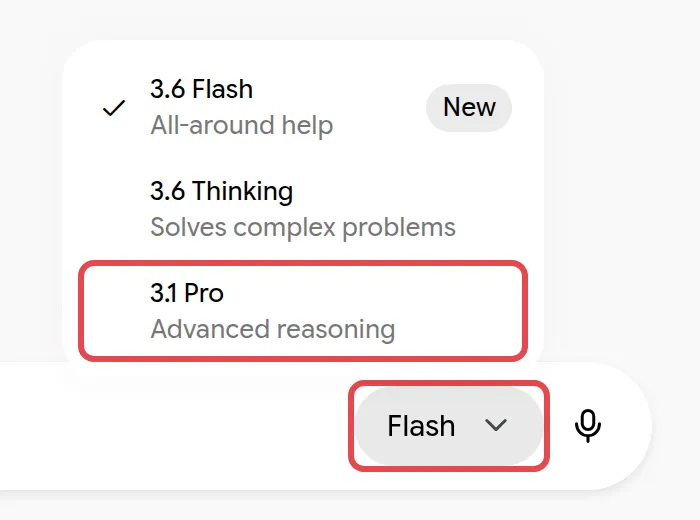
To choose a model, click the model picker in the Ask Gemini box. It shows the current model, such as Flash. On a Business Starter account, for example, it lists 3.6 Flash, 3.6 Thinking and 3.1 Pro; your list may be different.
If you often reach your limits, a higher plan gives you more. To move up a plan, see our pricing page and order the upgrade through Office Niaga.
On your phone
Section titled “On your phone”Install the Gemini app from the App Store or Google Play and sign in with your work account. Some features are not available to work accounts on mobile, such as Gems, Canvas and assistant-style phone actions. For custom assistants, see create a Gem on your computer.
Still stuck
Section titled “Still stuck”WhatsApp our support team at +60 16-916 3324.
Common issues
How do I know I am using my work account and not my personal one?
Click the profile picture at the bottom left of gemini.google.com and make sure it shows your work email. Chats in a personal account follow Google's consumer terms, not your company's Workspace agreement.
Why can I not delete a chat in the Gemini mobile app?
Work accounts cannot delete chats or make public chat links in the mobile app. Your admin controls how long chats are kept (18 months by default) and whether users can delete them.
I get an error when I open Gemini with my work account. What should I do?
Update the Gemini app to the latest version, then ask your admin to check that the Gemini app is turned on for you. See turn Gemini on or off.
Was this article helpful?
Thanks for your feedback.
Sorry this didn't help. WhatsApp us and we'll sort it out with you.