
Ask an AI about this page
 ChatGPT
 Claude
 Perplexity
 Google AI Mode
 Microsoft Copilot
 Grok
 Mistral Le Chat
Turn on two-step authentication for your Office Niaga Mail login
Turn on two-step authentication in Settings → Account so that a stolen password alone is no longer enough to open your mailbox. Passwords are often stolen through phishing emails, and two-step stops the attacker at the second step.
Turn it on for your login
Section titled “Turn it on for your login”Keep your phone with you, because you will use it for the second step.
-
Log in to webmail and click the Settings (gear) icon in the top bar.
-
Click Account in the left menu.
-
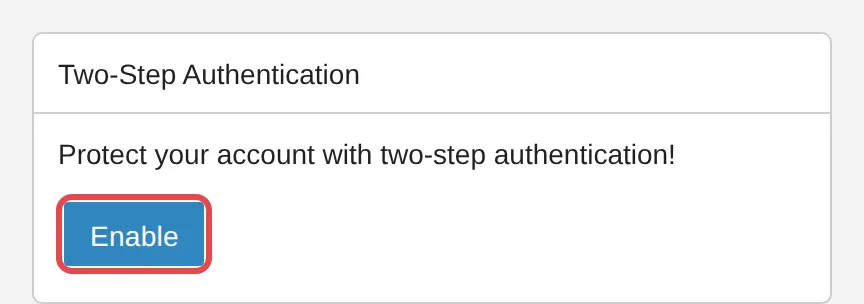
Scroll down to the Two-Step Authentication card, which says Protect your account with two-step authentication!
-
Click Enable and follow the on-screen steps to finish setting up two-step.
For domain admins
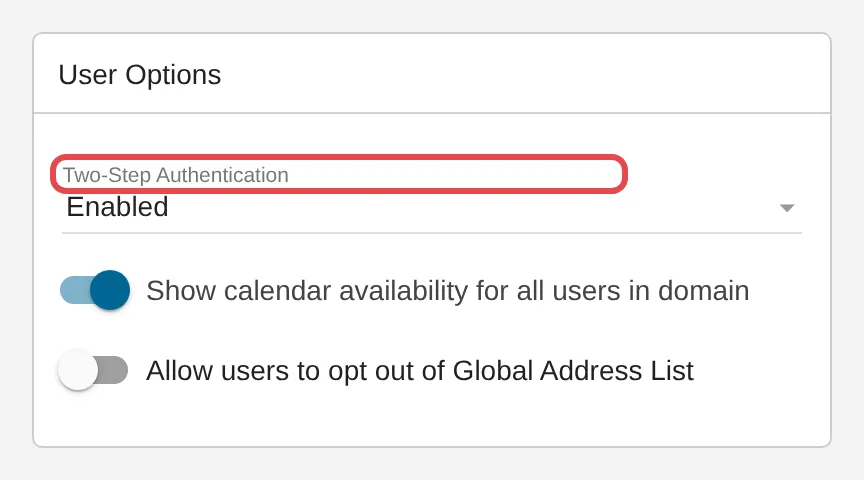
Section titled “For domain admins”Your domain allows two-step when Domain Settings → General → User Options shows Two-Step Authentication set to Enabled.
If a staff member can no longer pass the second step, for example after losing their phone:
-
Click Domain Settings in the top bar, then Accounts.
-
Open the user’s account.
-
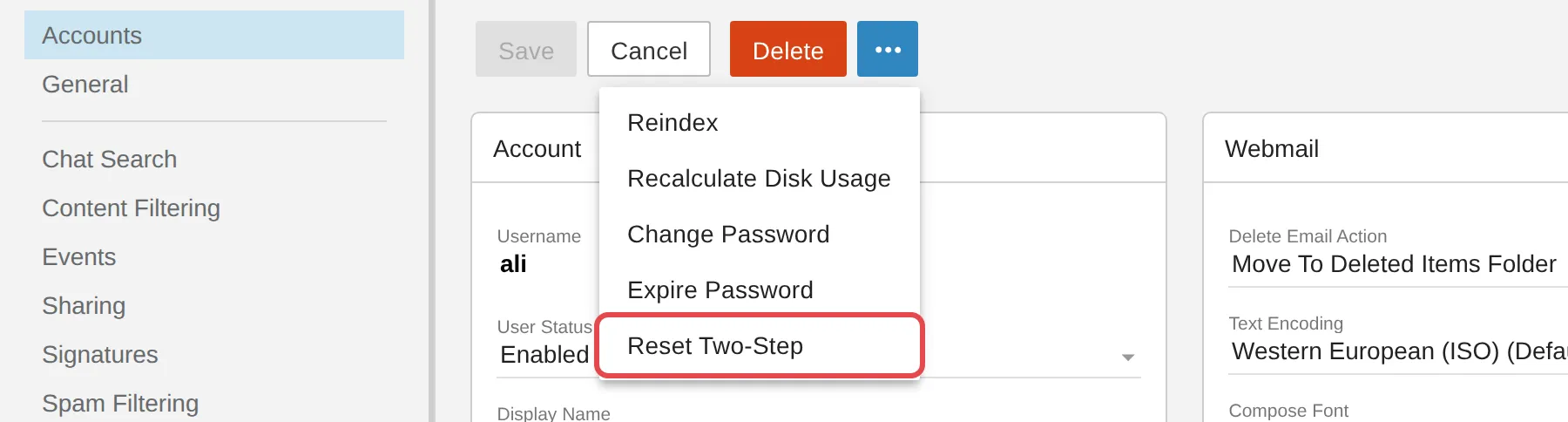
Click the … button and choose Reset Two-Step. This option shows only when the user has two-step turned on. If it is missing, two-step is not on for that user, so the problem is something else.
-
Ask the user to sign in with their password and set up two-step again.
If a user still cannot sign in, see Locked out after too many wrong passwords or Change or reset a password. To make them choose a fresh password at their next login, use Expire Password.
Still stuck
Section titled “Still stuck”WhatsApp our support team at +60 16-916 3324.
Common issues
Why should I turn on two-step authentication?
With two-step turned on, someone who steals your password through a fake login page still cannot sign in without passing the second step.
I lost the phone I use for two-step. How do I sign in now?
Ask your domain admin to use Reset Two-Step on your account. Then sign in with your password and set up two-step again.
I do not see the Two-Step Authentication card. Why?
Your domain admin controls whether two-step is allowed for your domain. Ask them to check Domain Settings → General → User Options, or WhatsApp our support team.
Was this article helpful?
Thanks for your feedback.
Sorry this didn't help. WhatsApp us and we'll sort it out with you.